How to disable Google Shared Endorsements
How to stop your profile photo from appearing in Google shared endorsements.

Outdated article: This article has been preserved for reference, but the information may no longer be accurate.
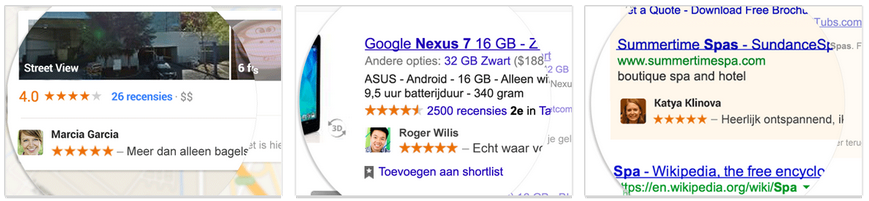
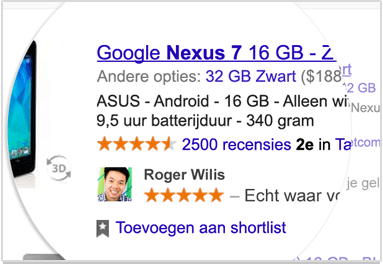
If you ever clicked a +1 button in the past, your Google+ photo may suddenly appear next to an advertisement on Google or another website using Google ads. For example, if you once gave a restaurant a +1 and someone in your circles sees an advert for that restaurant, your face may appear next to it. This obviously makes the advert look more trustworthy and therefore more valuable to the advertiser. Very nice, except that you do not get paid for it. Luckily, you can opt out.
 Disable Google Shared Endorsements
You can disable Google Shared Endorsements by visiting Google's Shared Endorsements page. You can use that direct link, or sign in to Google+, click "Home" in the top-left corner and then choose "Settings". On the next page, scroll to "Shared Endorsements" and click "Edit".

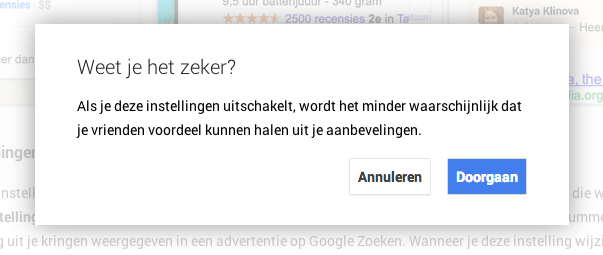
You have now reached the same page as the direct link above, only by taking the scenic route. At the bottom of the page you will find a checkbox. Clear it and save your changes. Confirm once more that you are sure, and you are done.